

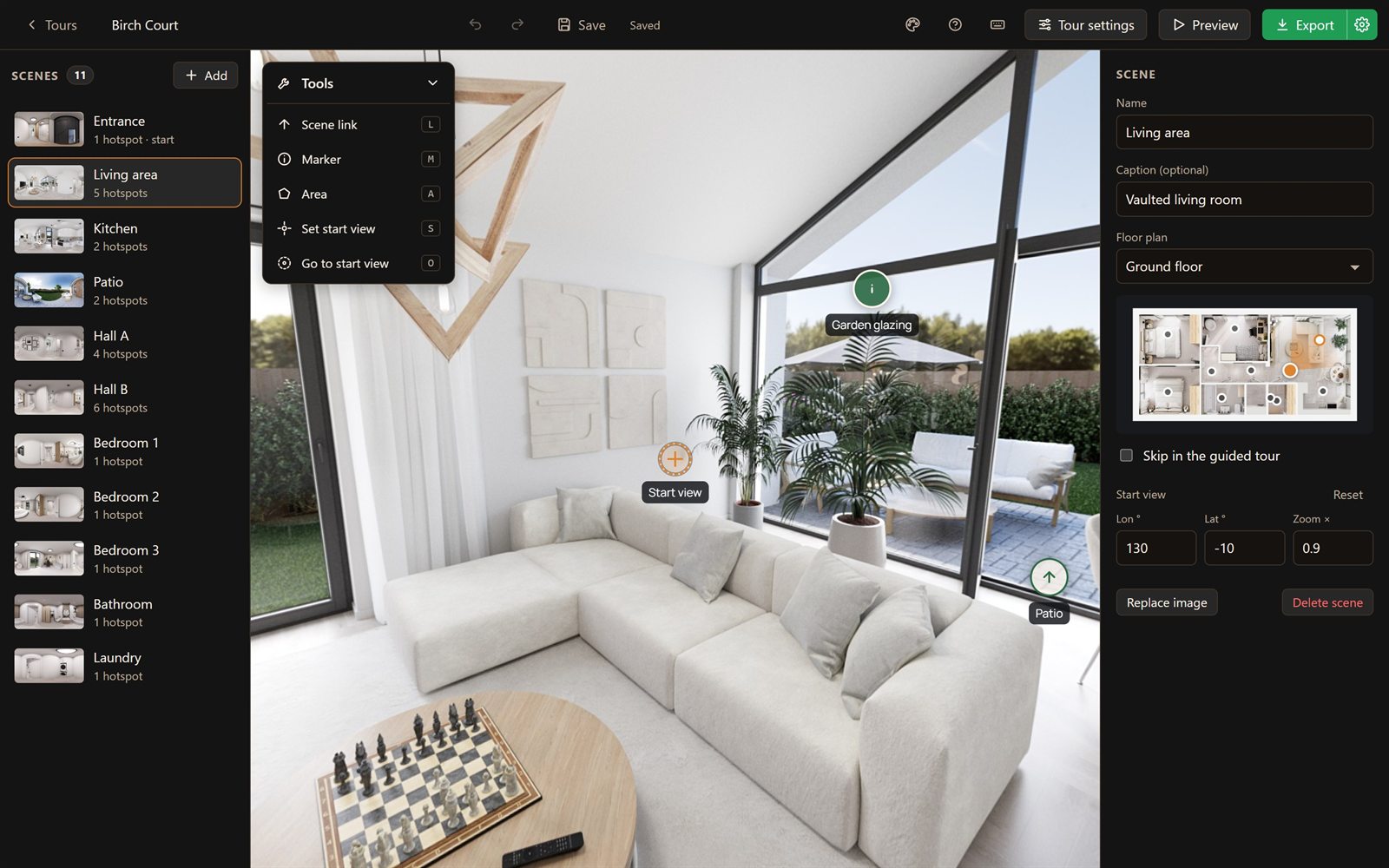
360° panoramas as JPEG, PNG or WebP, up to 16K wide at full resolution. Wider ones are scaled down to fit.
Drag scenes into order. The first one is where the tour starts.
Copy a scene, with its links and markers, and paste it into another tour.
Swap in a retouched image and keep every link and marker in place.
Drag the crosshair to choose where each scene starts looking, and set how far it’s zoomed in or out.
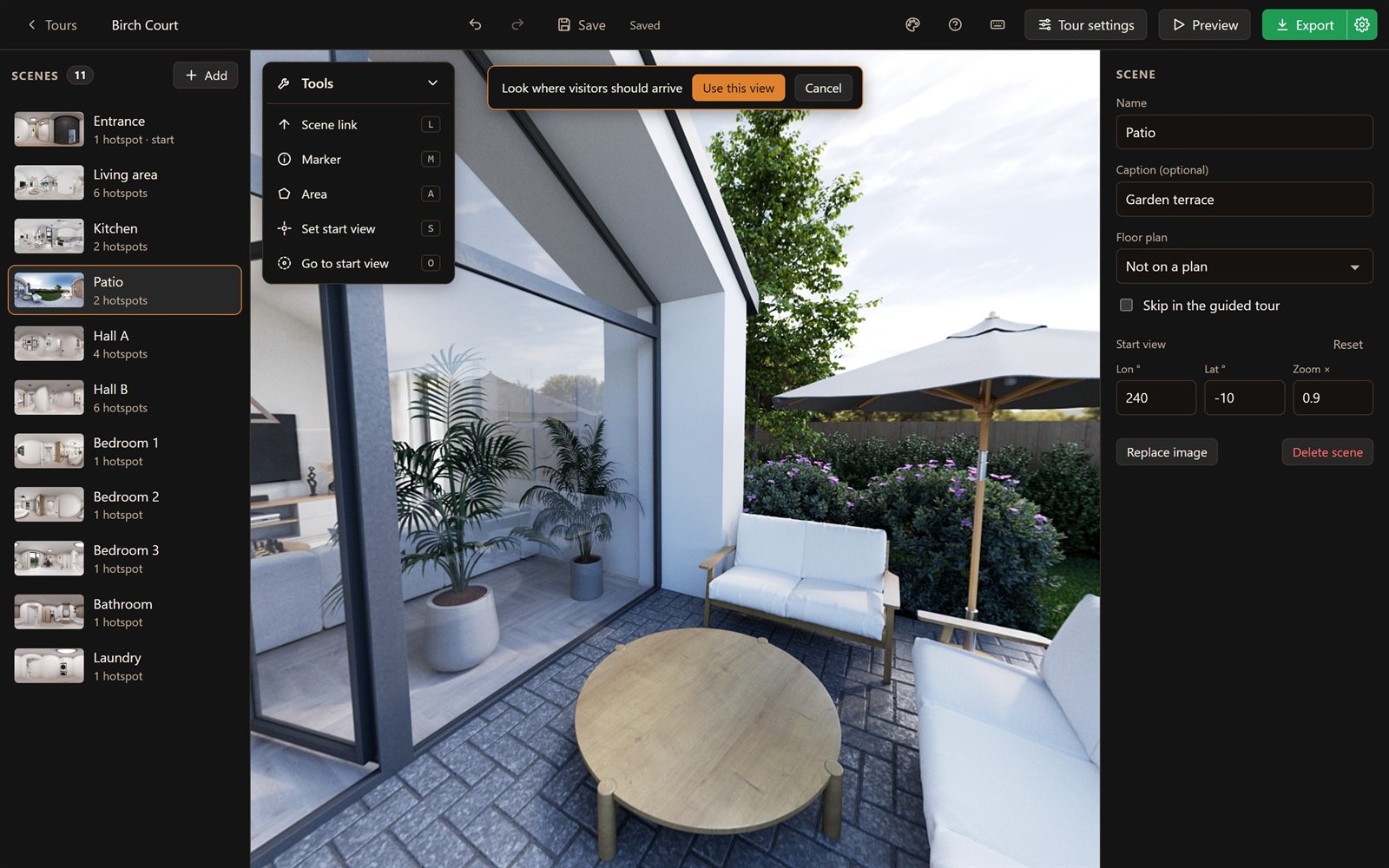
Click where a door or hallway is and pick the scene it opens. Unfinished links show in red.
Add a title, text and a picture. Visitors click to open the card and click the picture to see it larger.
Paste a YouTube or Vimeo link, and the marker’s card plays the video.
Draw around a door, a window or a worktop: a click anywhere inside opens a marker or another scene. Areas have their own outline, fill and hover look.
Choose which way visitors face as they come through a link, so they walk through a door looking into the room.
36 built-in icons in groups, or your own PNG, JPEG, WebP or SVG files.
Give a single link or marker its own icon, colors, shape and animation.
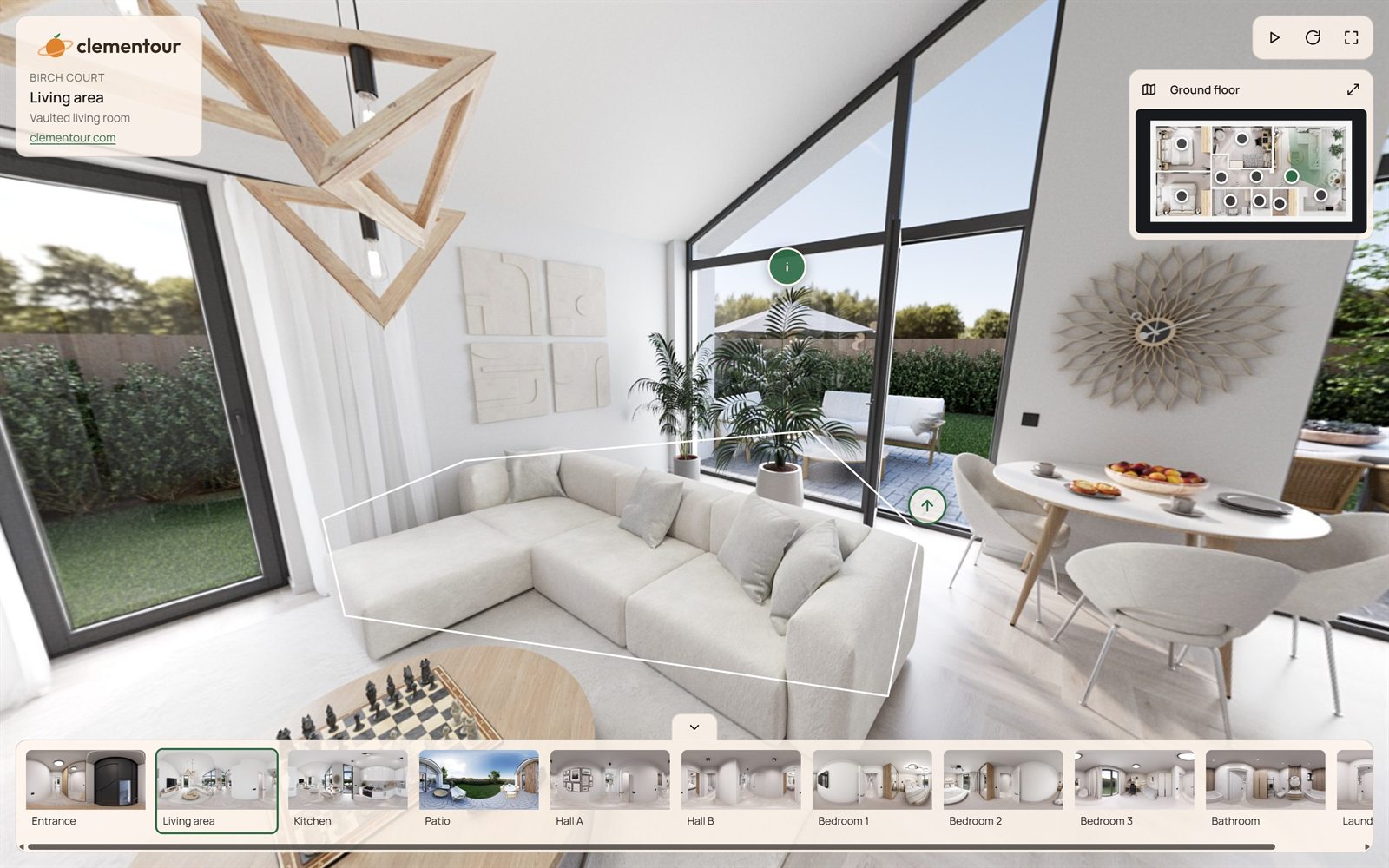
A plan of each floor in the corner, with a dot for every scene and a cone showing which way visitors are looking. A click on a dot goes there.
The tour plays itself, scene after scene, through your links. Lock it for a showroom screen, or let visitors take over and carry on when they stop.
Your logo, a title and a welcome with a Start button, while the tour loads behind it.
The tour opens as a small world seen from above, then unrolls into the first view.
Background music for the whole tour, which visitors can switch off.
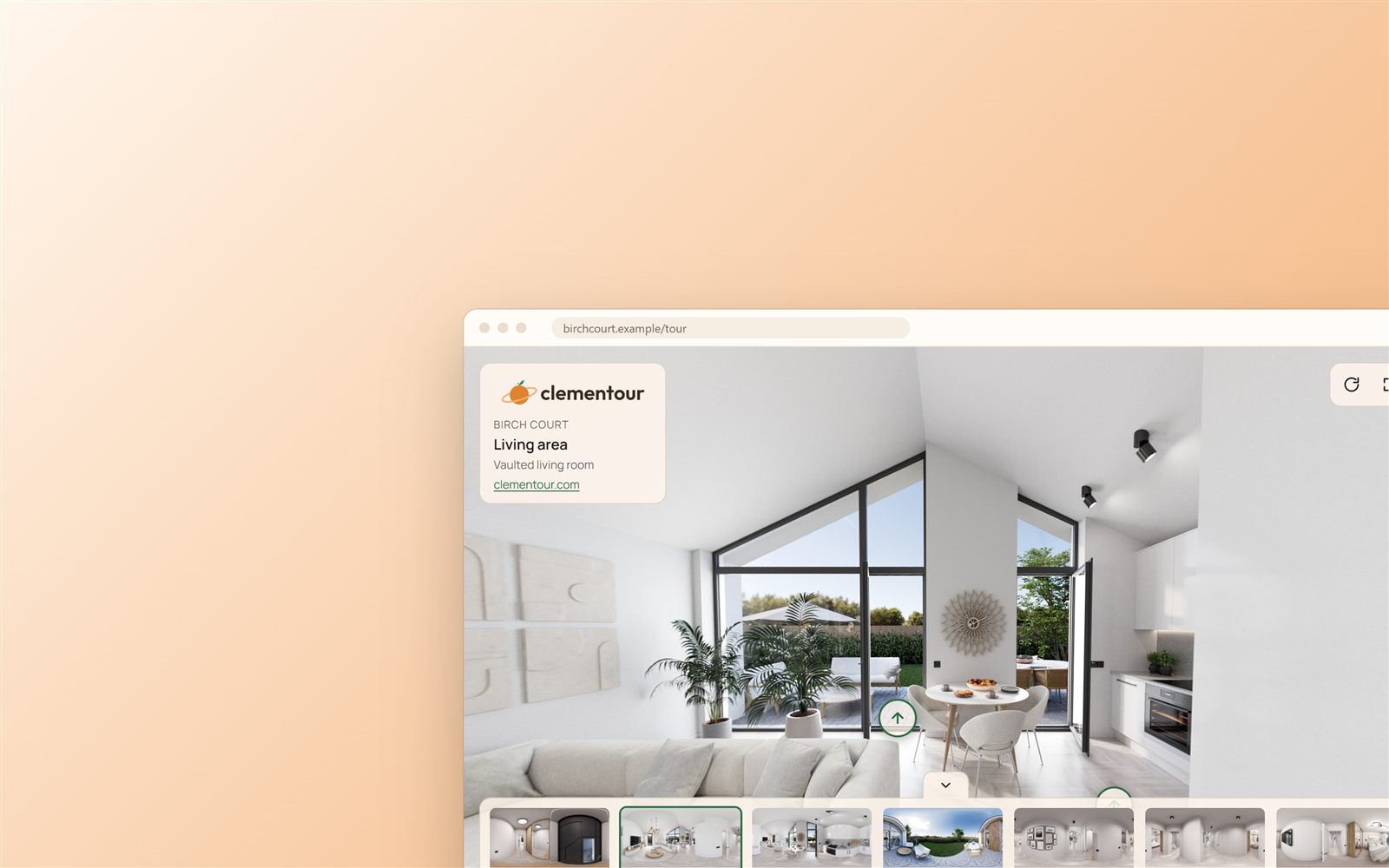
The tour’s name, each scene’s name and caption, and a link to your website.
Your logo in the corner, linking to your website or wherever you like.
A round image on the floor below the camera, such as your logo, to cover the tripod. You choose its size.
Sans-serif, serif, display, handwriting and monospace, all with Central European letters. Style each kind of text on its own.
Colors and opacity for panels and hotspots, shapes, sizes, labels, and what happens on hover.
Save a look once and reuse it, or save a whole tour’s settings as a preset for the next job.
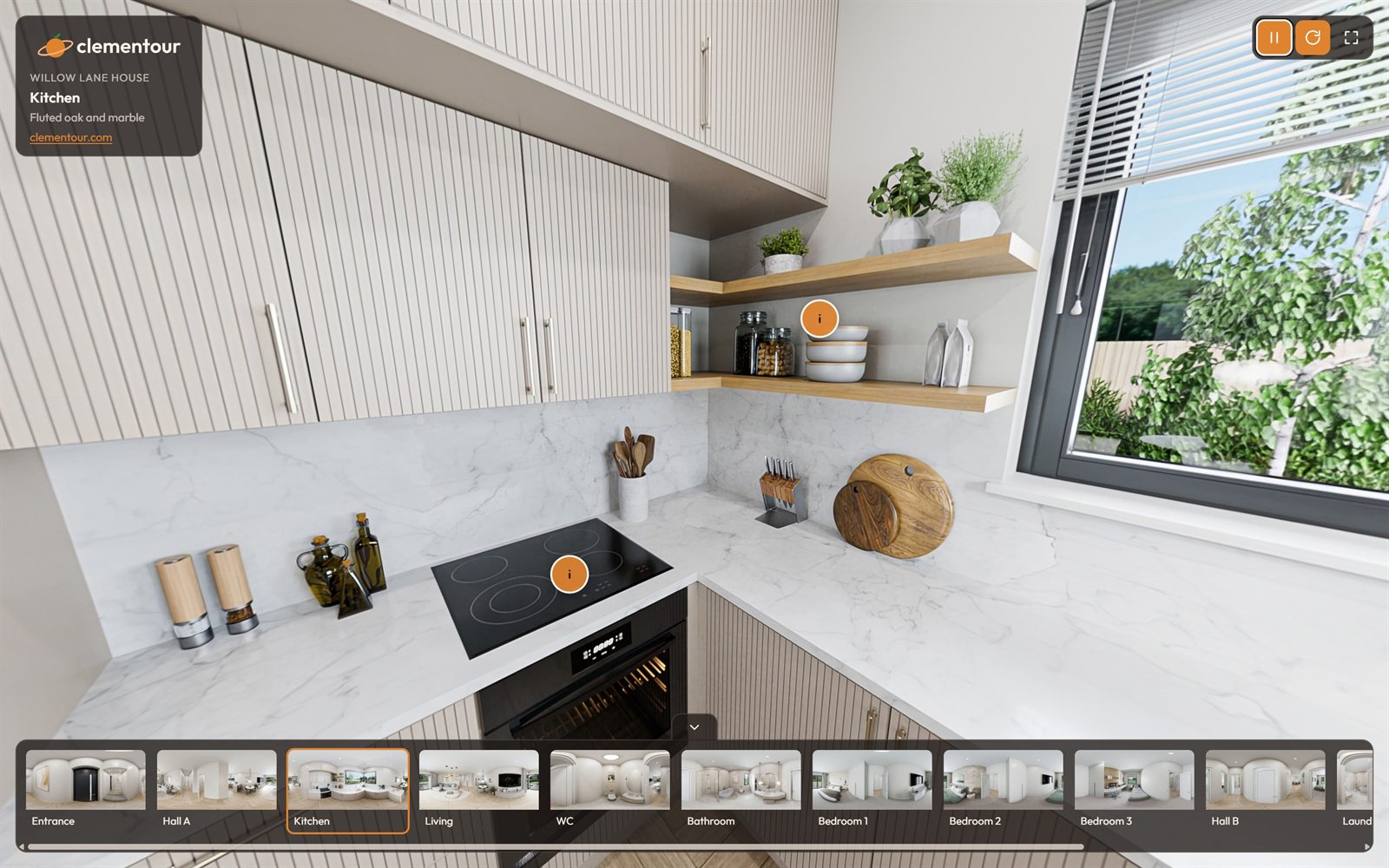
Fade, crossfade, zoom to the hotspot, walk in, or a radial reveal between scenes.
Let scenes turn slowly by themselves until the visitor takes over.
A strip of scenes along the bottom: shown, tucked away, or off.
Choose the starting zoom and how far visitors can zoom in and out.
Pulse, bounce or wave for scene links; quieter breathe, glow or float for markers.
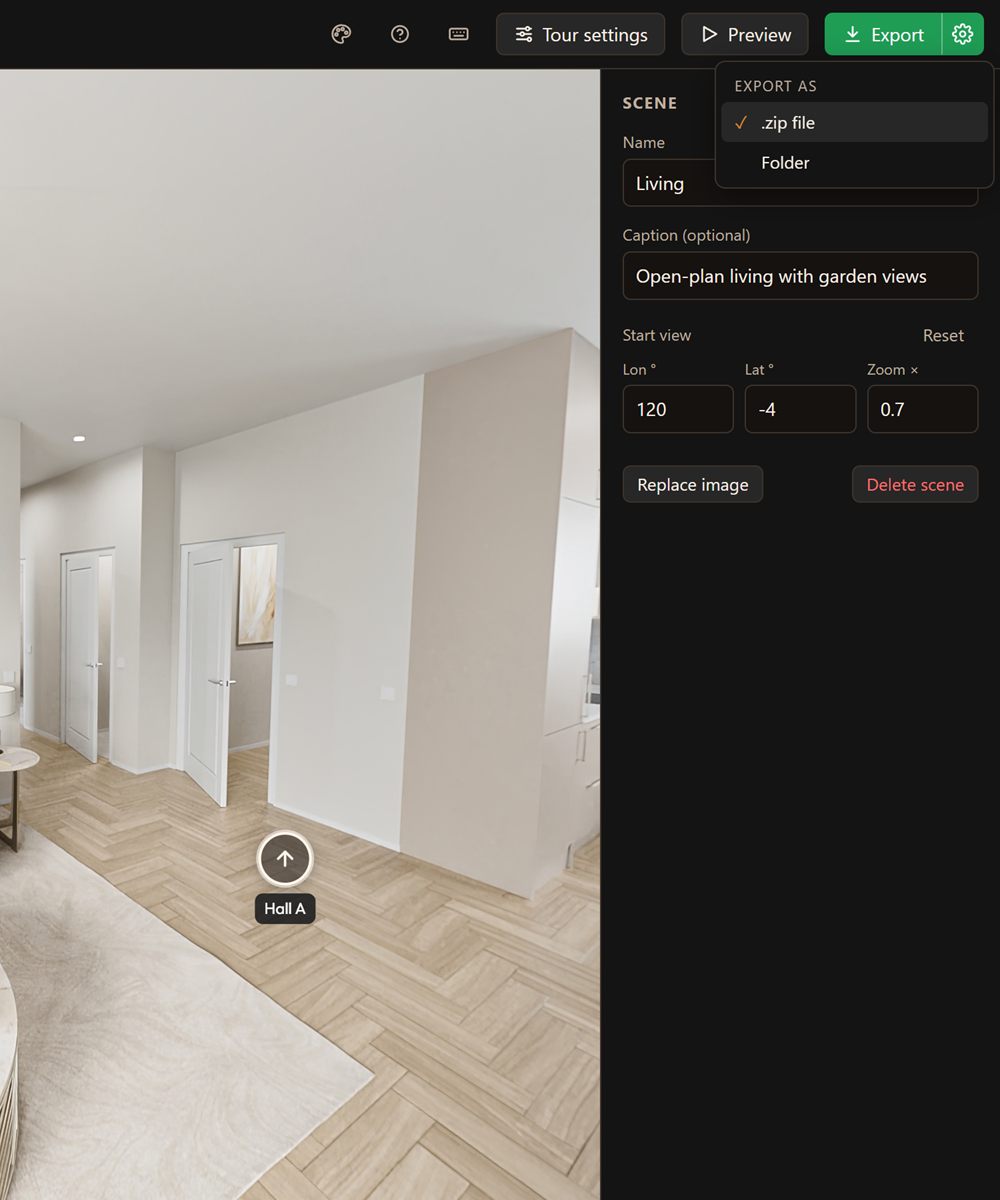
Export a tour as one compressed file or as a folder. Most web hosts unpack the file in a click.
Large panoramas are cut into tiles, so tours open fast and stay crisp when visitors zoom in.
Look around by touch, fullscreen where the browser allows it, and an icon for the home screen.
Only the fonts and weights a tour uses go into its export.
No web host? Optional hosting, from €12 a month, is coming later.
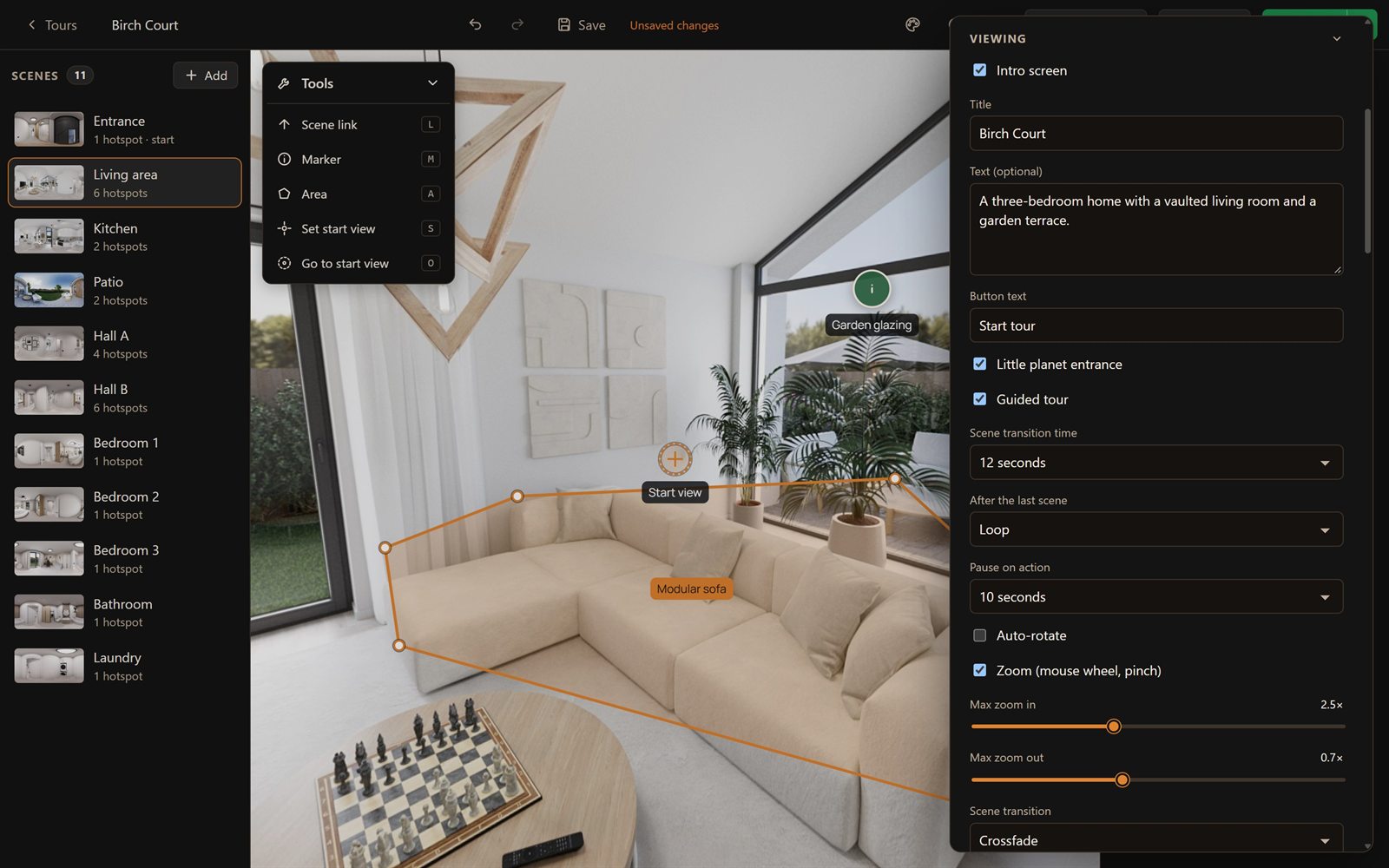
Each tour is a single file on your computer. Save when you’re ready, and double-click a tour to open it.
See the tour exactly as visitors will, without leaving the editor.
Undo and redo every change, and get unsaved work back after a crash or power cut.
Sort tours into folders, keep your library wherever you like, and move it any time.
Change any keyboard shortcut, and pick a light or dark look for the app.
New versions download in the background and install when you close the app.
The demo is the full app, with no sign-up. Export up to 5 tours (watermarked) to see how they look on your website.
